How to buy in the shop
The Numistec shop sells collectible coins — unique pieces and catalog coins — with secure payment and shipping. This guide shows how to buy, from product to checkout.
Finding a piece
In the shop, you can browse by category or search directly. Each product shows whether it's a unique piece (only one exists, marked "Sold" as soon as it's bought) or a catalog coin (regular stock, gets restocked).
Adding to the cart
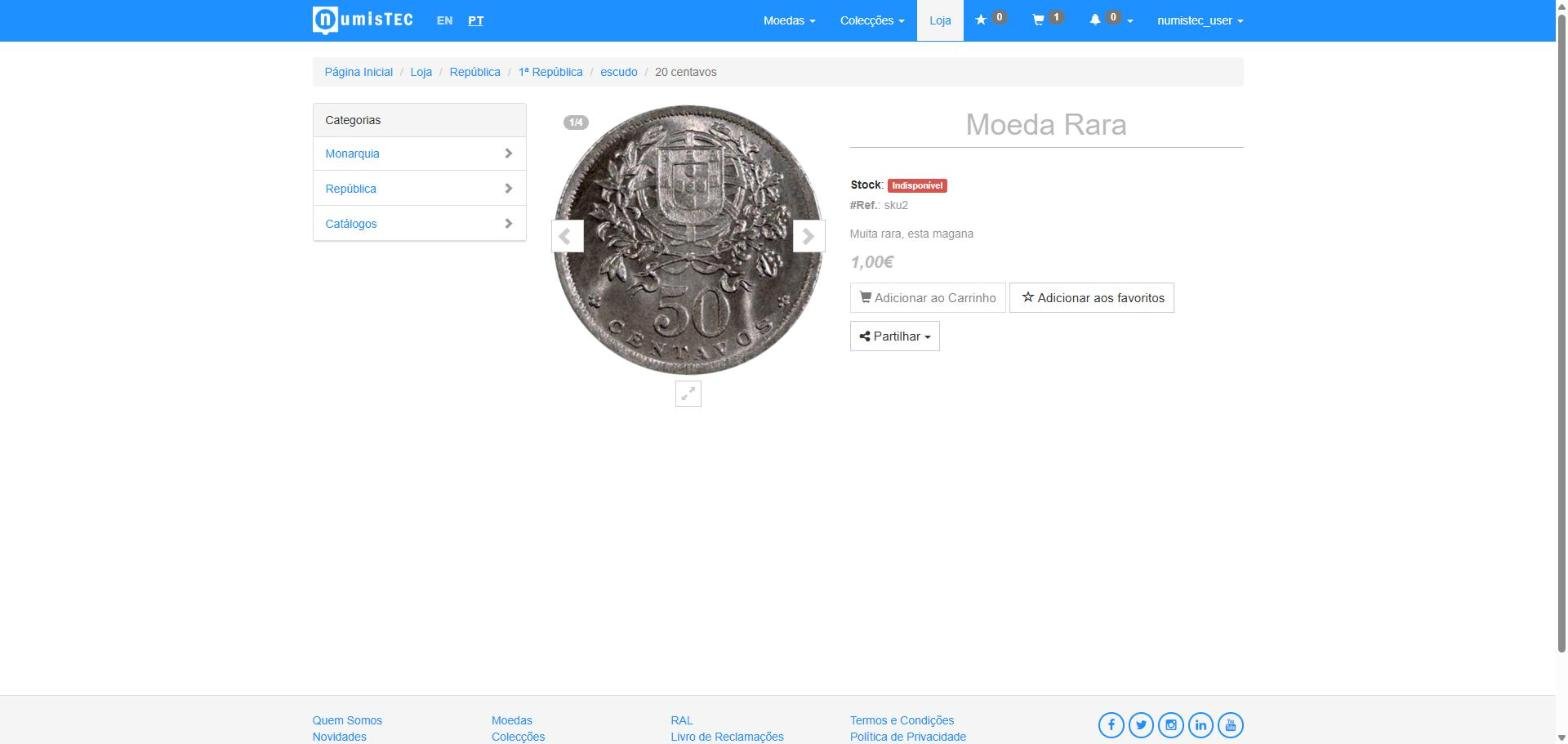
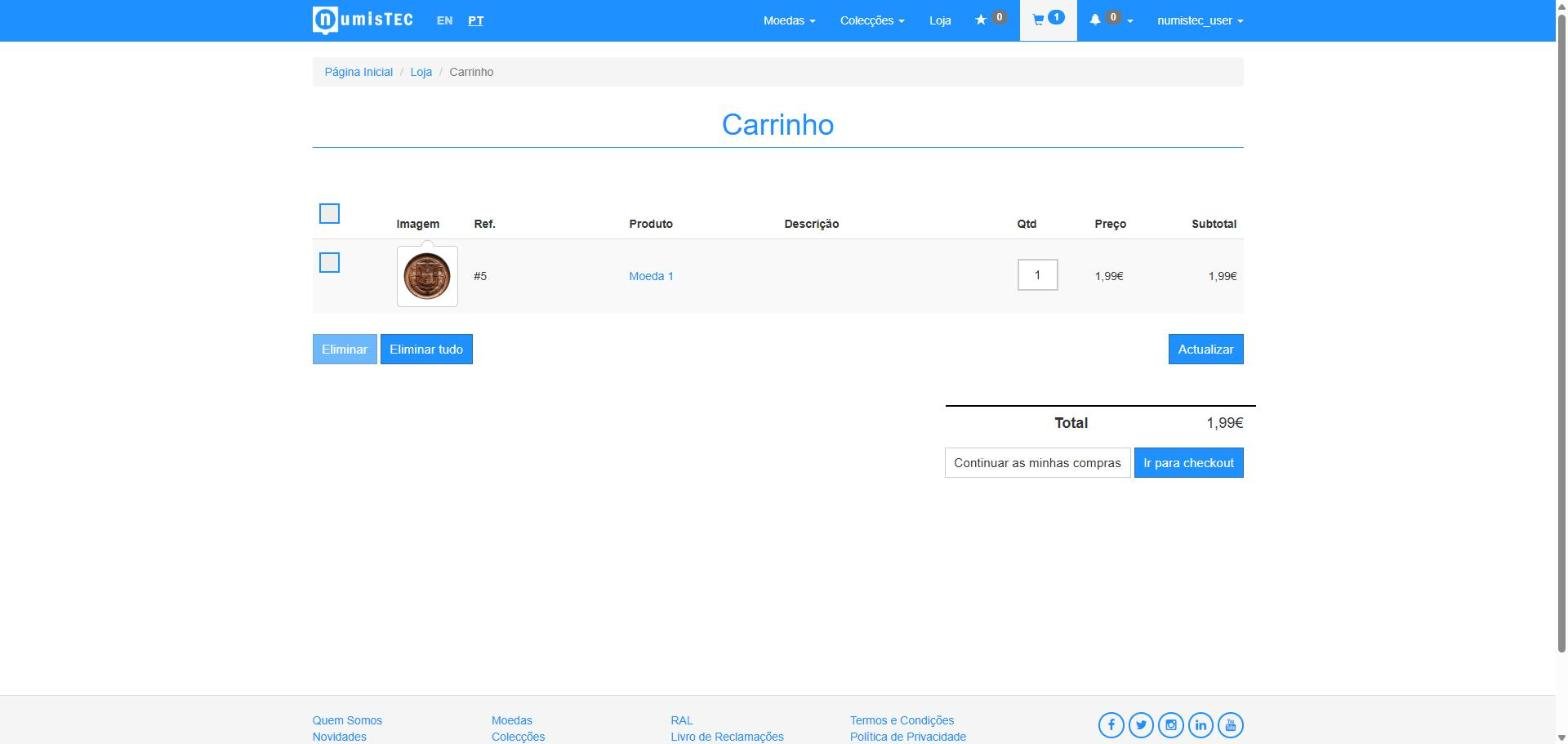
On the product page, choose the quantity (where applicable) and click Add to Cart. You can keep shopping and come back to your cart at any time — the icon at the top always shows how many items are in it.
Checkout and payment
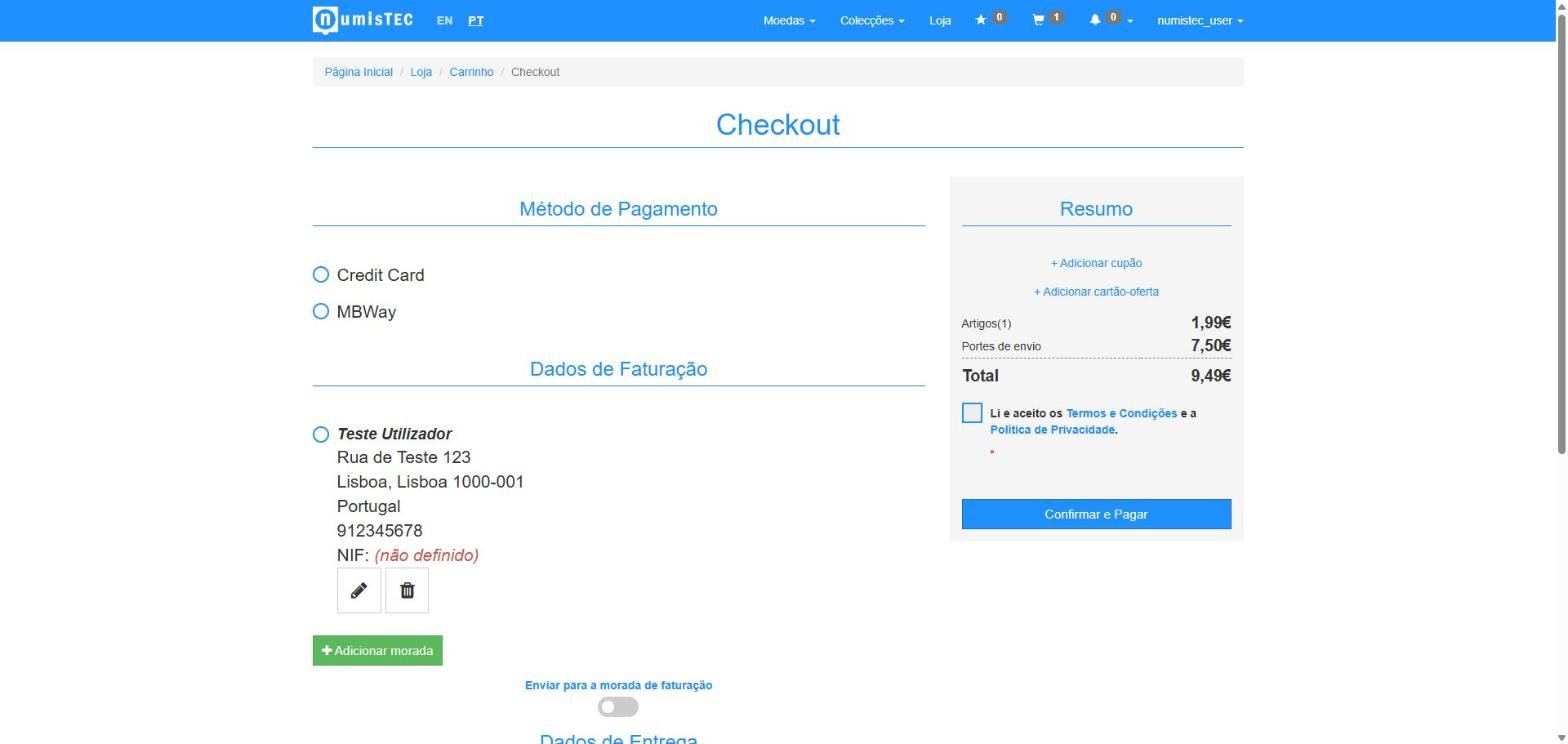
In the cart, click Go to checkout. Available payment methods are credit card and MB WAY. Once payment is confirmed, you automatically receive the invoice.
Coupons and gift cards
At checkout, you can apply a discount coupon or a gift card (or several, stackable) — these fields are hidden behind a "+ Add..." link so they don't take up space when you don't need them.
After buying
You can track your order's status (awaiting shipment, shipped, with tracking) in "My Account". If you buy a coin, it's automatically added to My Coins, with its full provenance history.
Returns
If you need to return an item, contact support through a support ticket — the team confirms receipt and processes the refund.
See also: How to catalog your coins and The price catalog.
Still have questions? FAQ